
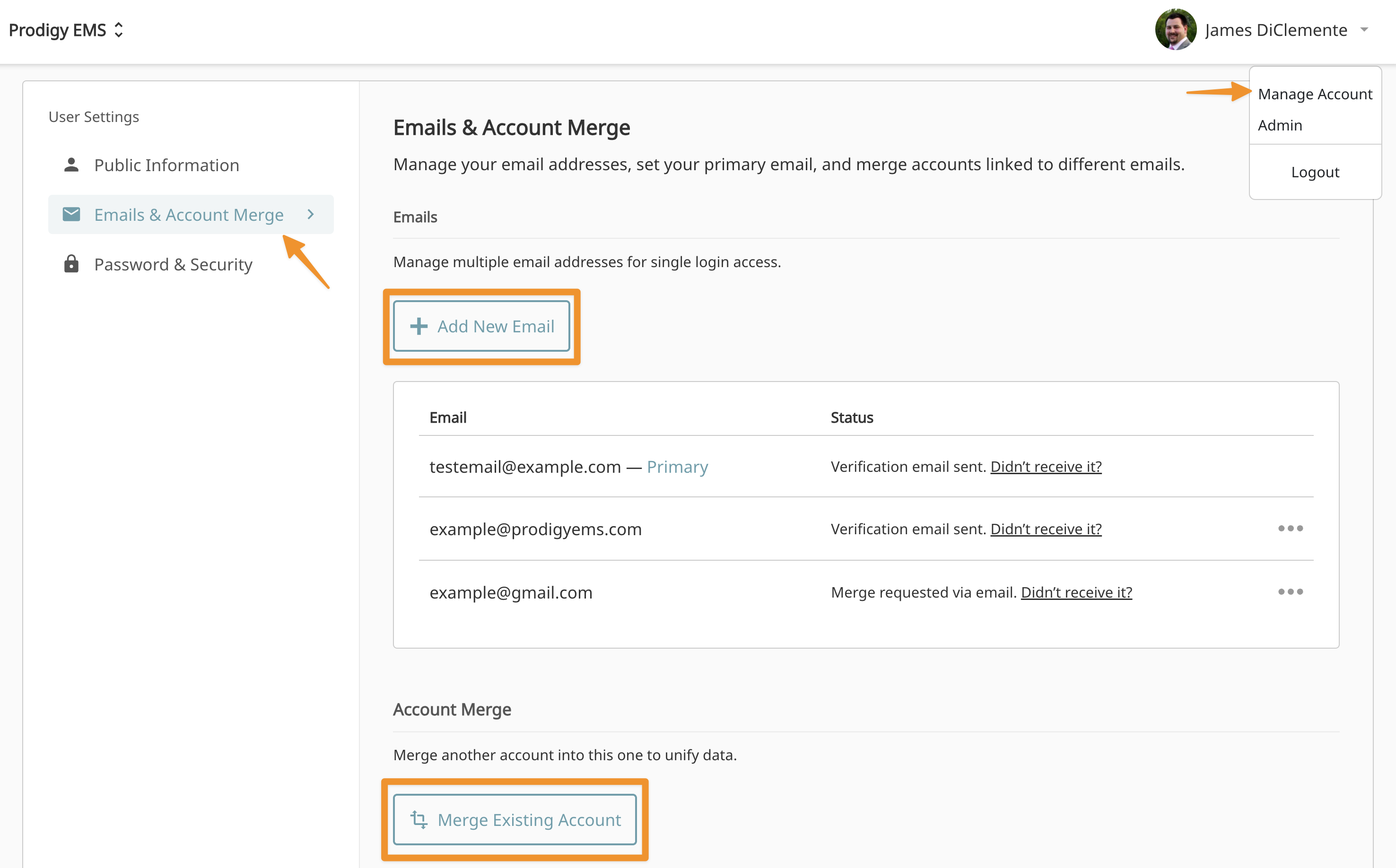
Add additional email addresses
- Click on your name in the top right
- Choose "Manage Account"
- Click "Emails & Account Merge"
- Click "Add New Email"
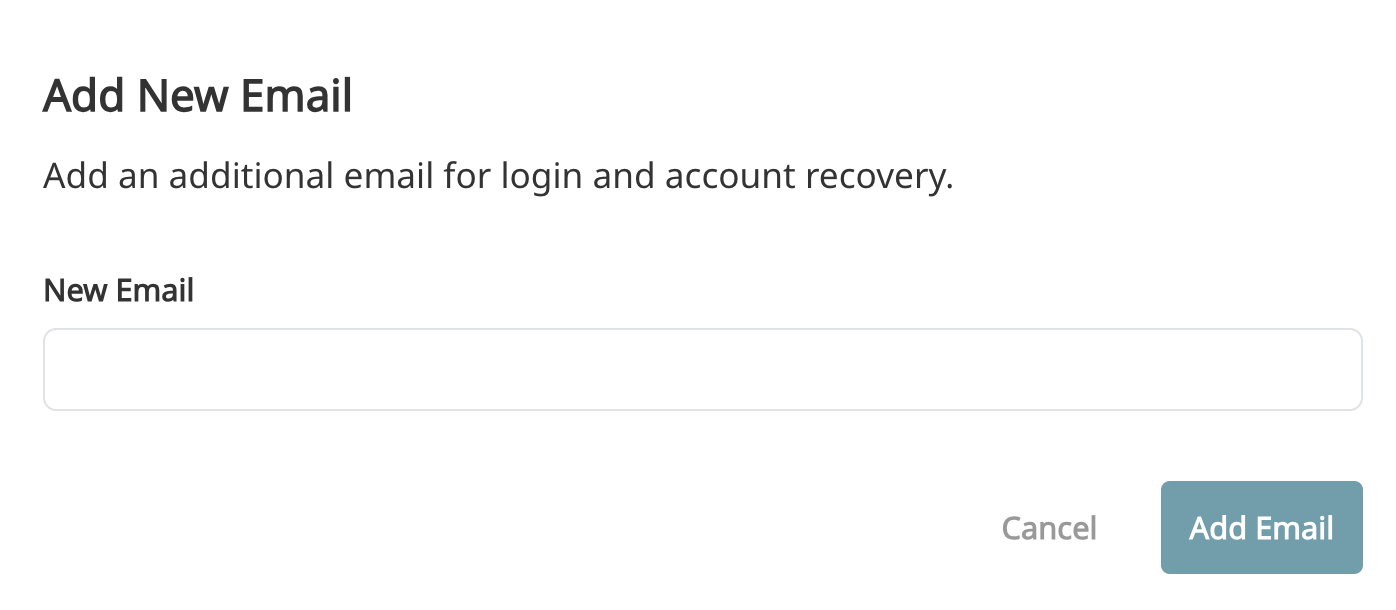
In order to make your new email address your Primary email, you will need to verify it. An email will be sent to your new email address with a link to verify your email.
Merge existing account
You can merge two existing Prodigy accounts and combine all records including class completions, departments, assignments, and certifications.
- Click on your name in the top right
- Choose "Manage Account"
- Click "Emails & Account Merge"
- Click "Merge Existing Account"
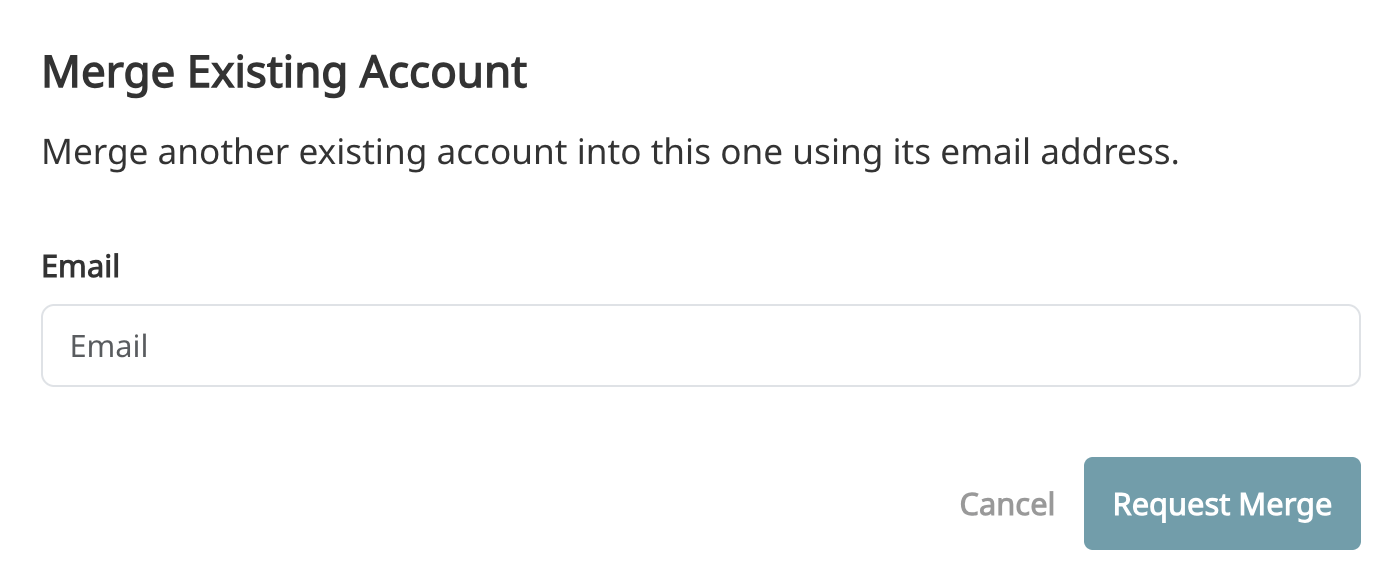
You will receive an email from Prodigy requesting you complete the merge. Make sure you are signed in to the account you used to request the merge.
Once clicked, you will need to enter the email address you are looking to merge from which will be listed below the text box.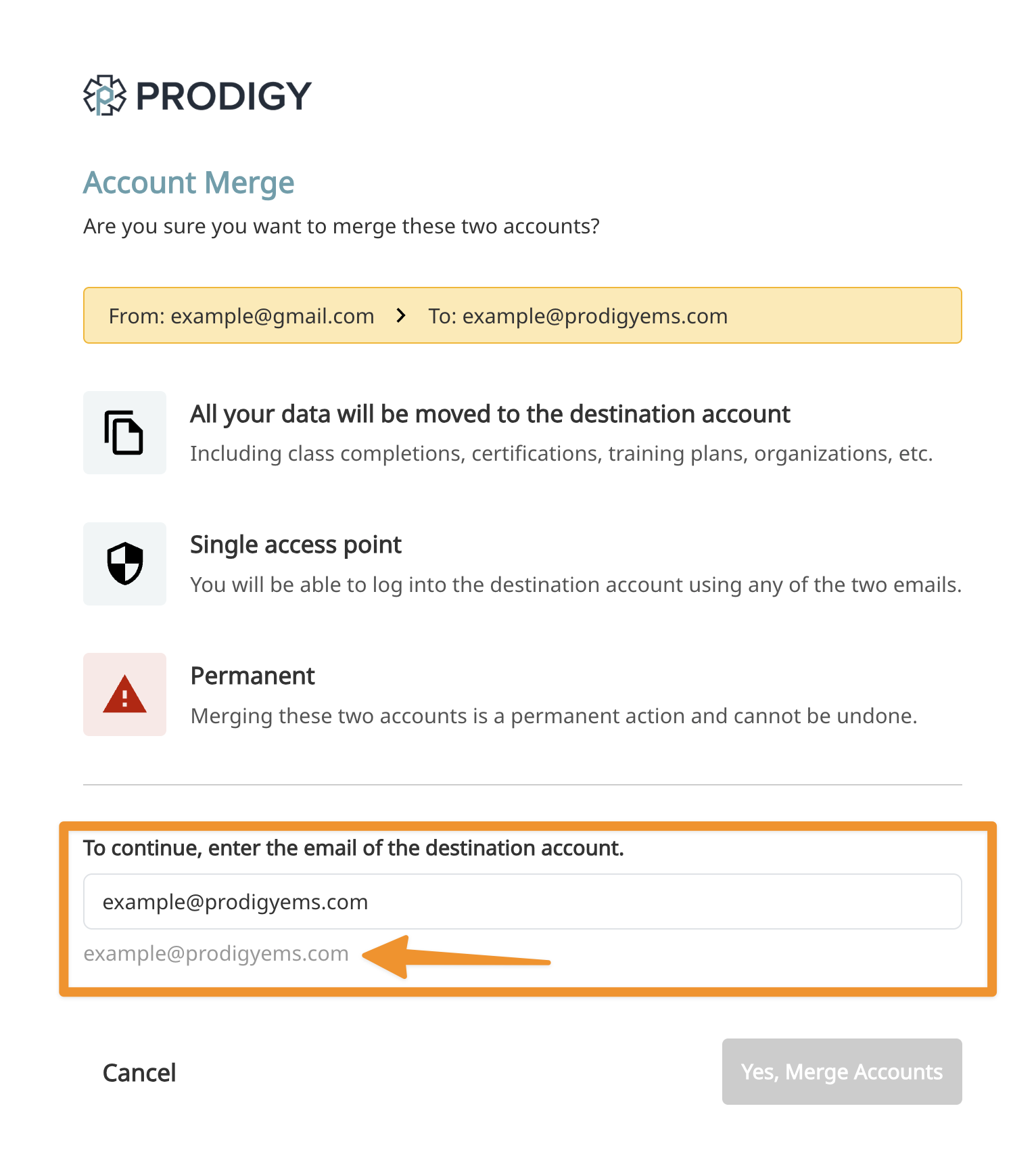
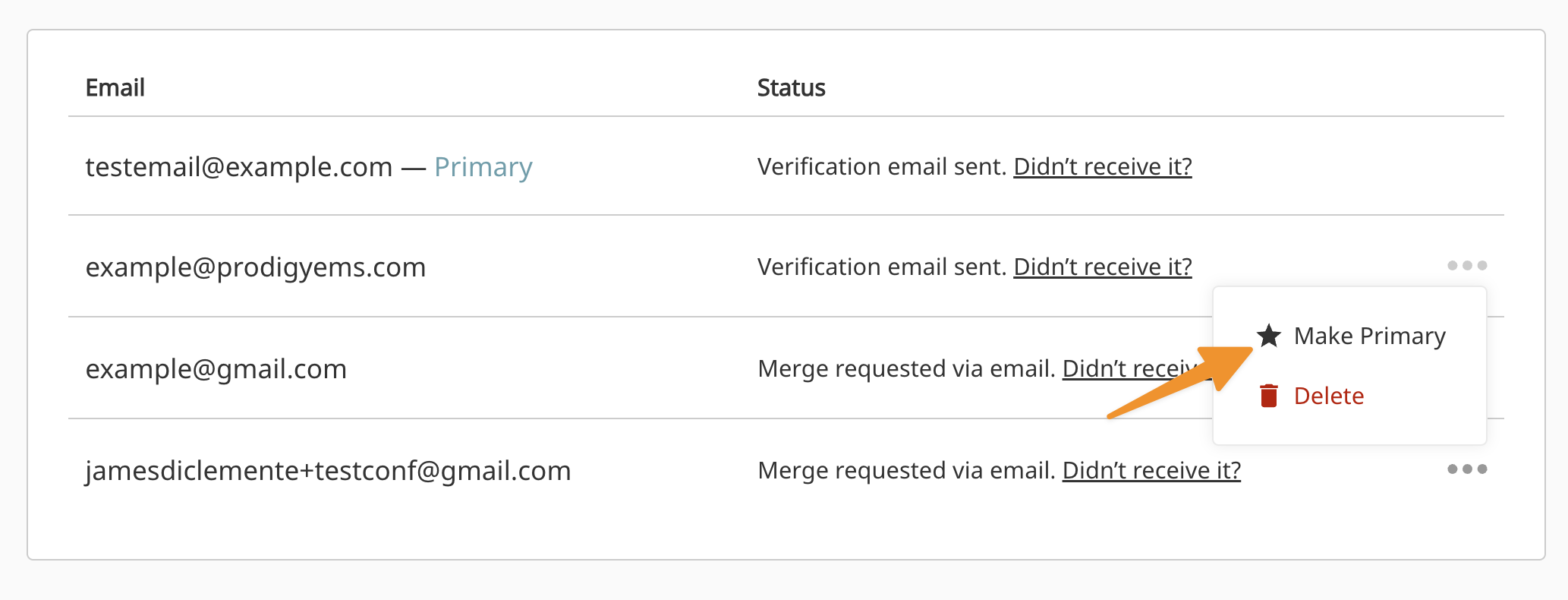
Update primary email address
The primary email address is the address we will use for all official correspondence. Any verified email can be used as your primary email.
- Click on the 3 dots next to the email you want to make primary.
- Click "Make Primary"
If you no longer have access to the email address you are looking to merge, please reach out to support@prodigyems.com and request the merge be completed manually.