
This is for your tracking only, classes added as outside completions are not sent to the NREMT or your state.
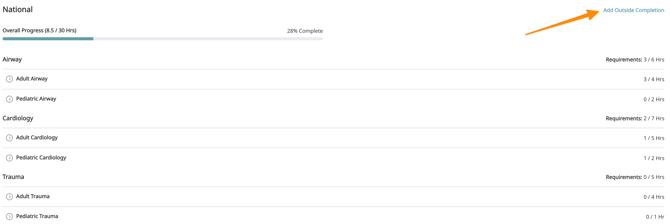
From your training plan, click on the "Add Outside Completion" button in the section where you want to add the class.
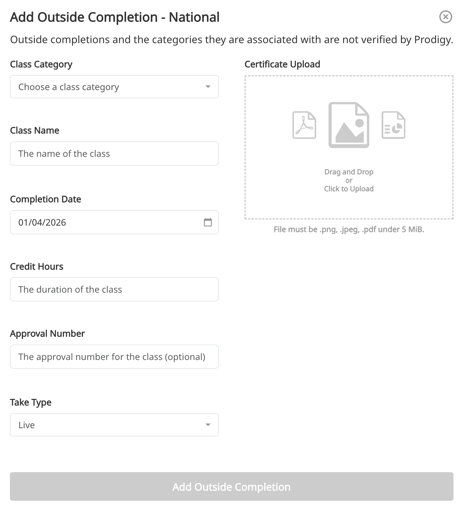
From here, you can fill in the details of the class and optionally upload a certificate or other image to the class. Each class can only be added to a single training plan and a single category. If the class applies to multiple plans or categories, you will need to add the class again where applicable.
Added and outside completion and not seeing it on your training plan? Take a look at this article: Why is my outside completion not showing?